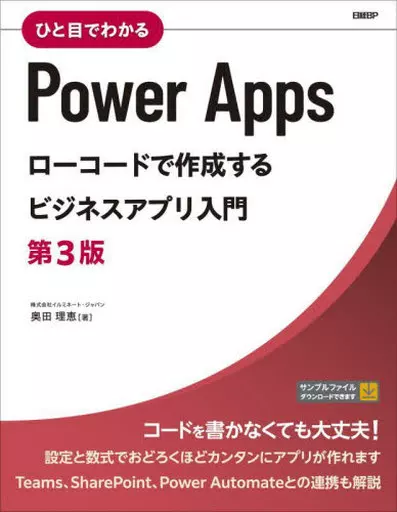
Book (Practical) Information science Power Apps Low-Code Business Apps Primer 3rd Edition / Rie Okuda


Product description ※Please note that product information is not in full comprehensive meaning because of the machine translation.
Information Science
[Content introduction]
PowerApps is a cloud service provided by Microsoft. It is one of the services included in the low-code platform called Power Platform. It does not require any coding. You can place pre-prepared parts (controls) on the screen like PowerPoint, and create applications while setting up operations using mathematical expressions like Excel. As interest in digitalization and efficiency of business is increasing, PowerApps is also getting more attention.
This book is the third edition, following the introduction of creating business applications using PowerApps, sharing and managing created applications, and linking with Power Automate, SharePoint, and Teams.
You can download the data source (Excel file) used to create applications, so you can follow the instructions in this book while actually operating it.
This book is the third edition, following the introduction of PowerApps non-coding business applications using 『 (2018)) and the introduction of PowerApps using low-code PowerApps using 『 (2020).
This edition reflects the increased need for fee-based licensing, including Microsoft Dataverse, and extensive additions to model-driven applications. On the other hand, as in the past, there is a strong need for using the Microsoft 365 license, including SharePoint and Teams.
Contents
Chapter 1> 9 Adding Notifications
Columns Dataverse Sharing apps with a table as a data source
Reusing with a column component
Chapter 5 Creating and Deploying Model-Driven Apps
1 Components of Model-Driven Apps
2 Preparing solutions
3 Creating Tables
4 Settings for Views
5 Settings for Forms
6 Creating Business Rules
7 Creating Model-Driven Apps
8 Deploying Model-Driven Apps
1 Working with Relevant Data
2 Business Process Flows
3 Dashboards
4 Custom Pages
5 Dataverse Search
6 Customizing Commands
Columns Usage Scenarios with Canvas Apps
Deploying with Column Solutions
Columns Deploying with Canvas Apps
Chapter 7 Collaborating with SharePoint
1 Creating apps with a list as a data source
2 Editing List Forms
Chapter 8 Collaborating with Power Automate
1 Notifications on schedule execution
2 Collaborating with Model-Driven Apps
3 Collaborating with Canvas Apps
Columns Copilot in PowerApps